




22 Return to Thumbnails Previous Image Next Image
22
Metropolis Julie Mincher

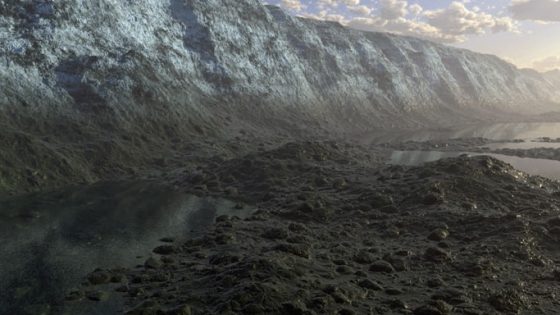
To create the attached image, (called "Metropolis") I used the following techniques:

  1. Used Reptile freeware to generate bitmap for terrain using What A Fungi function.
  2. Used BMP2TER freeware to convert bitmap to .ter file and loaded into Terragen.
  3. Generated the Terragen image as 1280 by 960.
  4. Used MGI Photosuite to reduce the image to 640 by 480.
  5. Mapped converted image as texture for wall object in Simply3d.
  6. Made bumpmap using converted image enhanced by Sharpen filter in MGI Photosuite and mapped to wall object in Micrografx Simply 3D.
  7. Used Helixr freeware to create spiral objects for alien city and exported them in RAW format.
  8. Used Crossroads freeware to convert spiral objects from RAW to DXF format.
  9. Imported DXF spiral objects into Simply3D and placed in front of wall object with texture and bumpmap mapped from Terragen image.
  10. Used Simply3D to create additional objects for alien city.
  11. Textured and bumped city objects using Simply3D and assorted textures and bumpmaps.
  12. Rendered entry using Simply3D with export to JPEG format ias 640 by 480.


"Very cool 3D work."

"I was very appreciative of the Post Process info - a wonderful use of all of those softwares (Reptile!!) and I loved the imagination used to use them so innovatively"