



02 Return to Thumbnails Previous Image Next Image
02
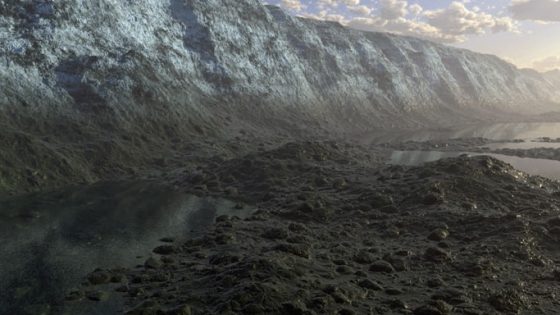
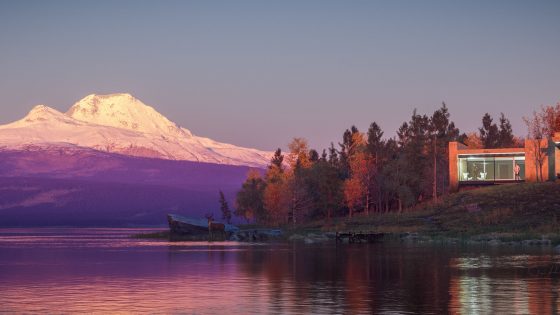
Alien Lake Under A Gas Planet Dave Bett
Method :

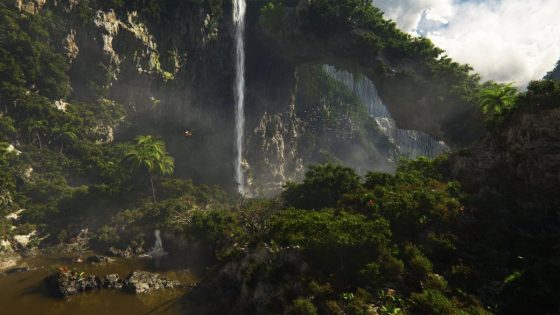
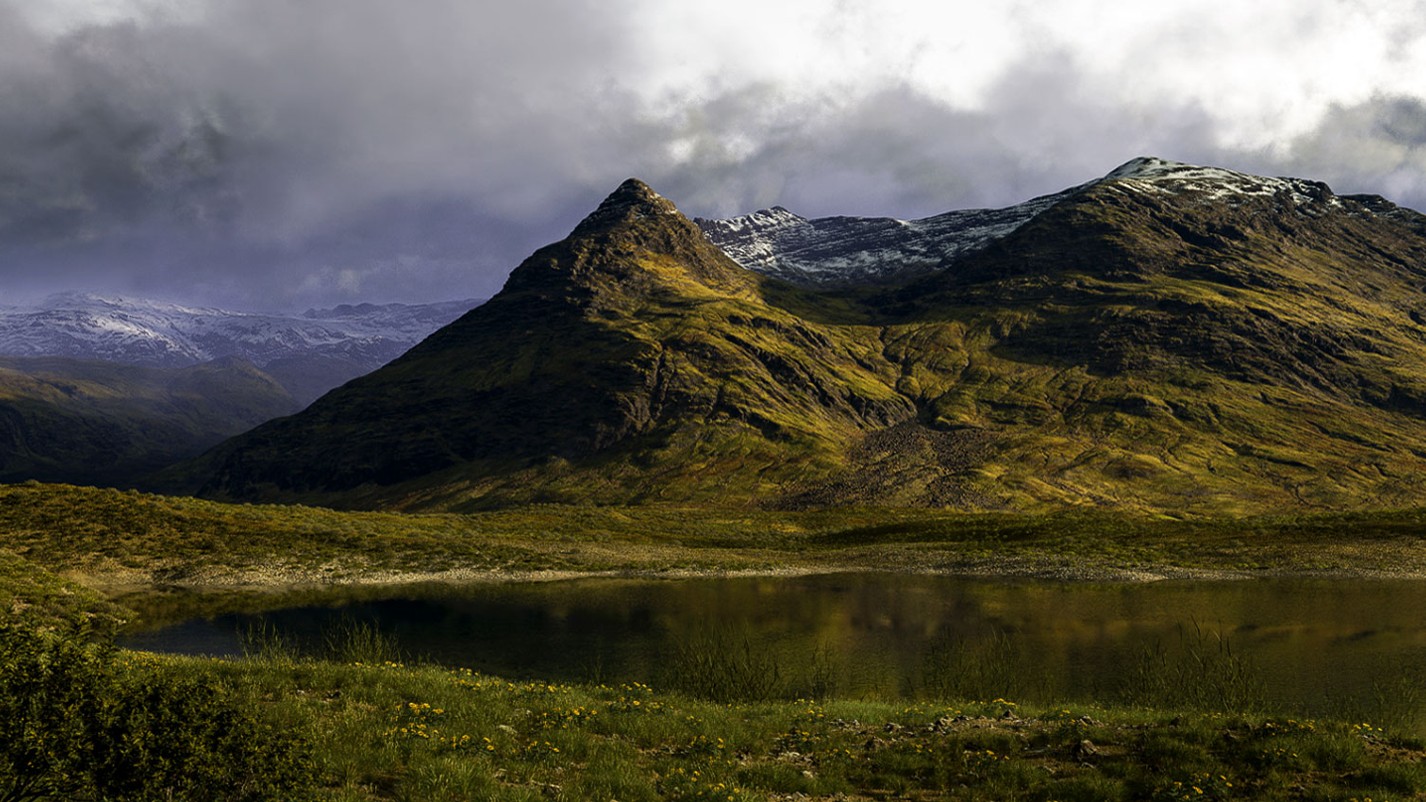
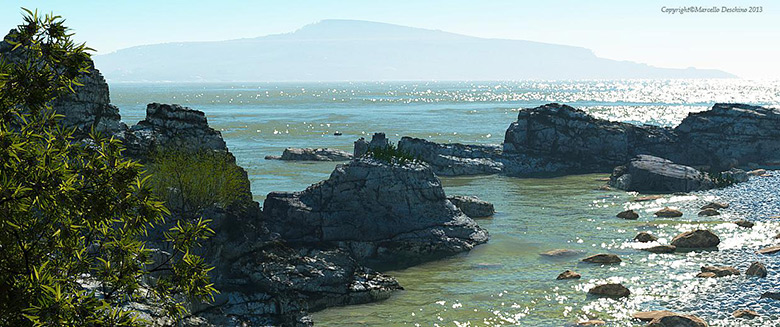
I generated the terrain in Terragen using Ridged Perlin over an existing lake terrain. Then I added odd(ish) colours using the surface maps. I changed the water settings until I got a greenish colour and rough surface. Then I rendered the land and saved the image for use in Photoshop.

I selected the black sky using the Magic Wand tool and deleted it so it was transparent. I created a layer underneath the land layer, filled it with black and using the Universe plug-in added the stars. I also used the Gradient tool to added the bluish haze at the horizon. I copy-and-pasted the gas giant from Universe.


To get the cloud effect I created a layer between the land layer and the gas giant layer. I changed the colours to light green and dark blue and ran the Clouds filter. I used Free Transform to add perspective to the cloud layer. Then using the Colour Range from the Select Menu and selected the blue in the clouds and deleted it. After that I used the Ellipse Marquee to select most of the sky (I also Feathered the selection by 25 pixels), then I used the Pinch filter to make the clouds seem to be coming from the centre and
finally I used the Radial Blur filter using the Zoom setting.
To finish the clouds off I lowered the layer opacity.


"This image was good because the stark blending of colours gave it a real other-worldly look."