



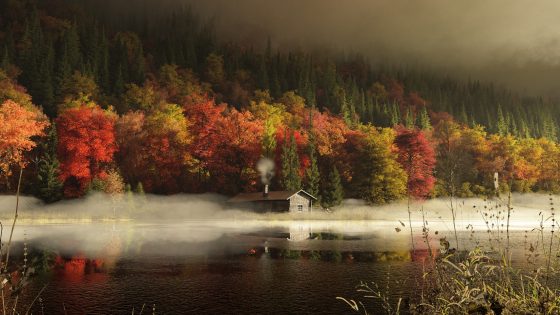
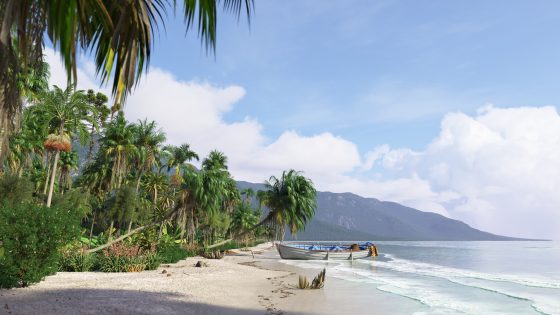
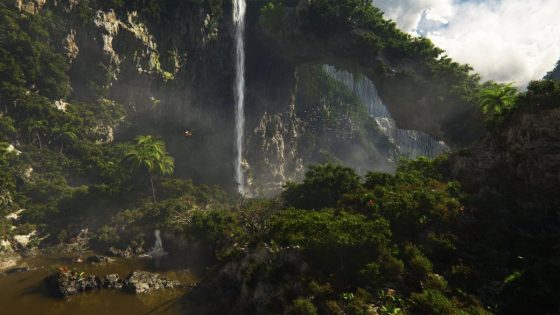
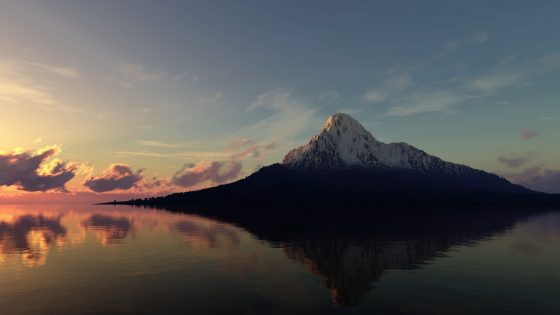




Terragen - photorealistic scenery rendering software

Terragen™ for Macintosh Unique Features

Terragen for Macintosh has some unique features that the Windows version does not. Some of these features will likely make their way into the Windows version at some point in time, but many of them will remain unique to Terragen Mac. For more information on what Terragen can do in general, please visit this page.

Rendering to File
Terragen Mac supports rendering directly to a file. The main advantage of this is that it greatly reduces the amount of RAM used during rendering. On OS 9 this means that people with only small amounts of RAM can render larger images than they would otherwise be able to. On OS X it makes user interaction smoother by reducing the amount of VM activity when rendering large images.

QuickTime support
Terragen Mac takes advantage of QuickTime to allow you to save your images in a variety of formats. You can save your images in BMP, JPEG, MacPaint, Photoshop, PICT, PNG, QuickTime Image, SGI, TGA and TIFF formats, along with access to the compression and other settings each format offers.

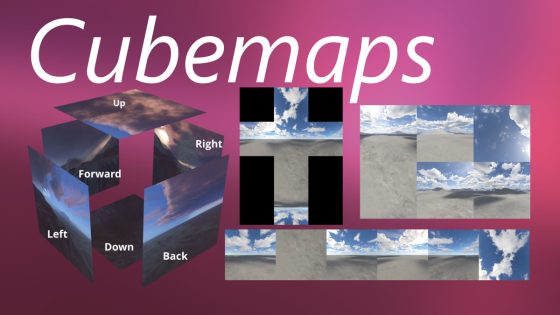
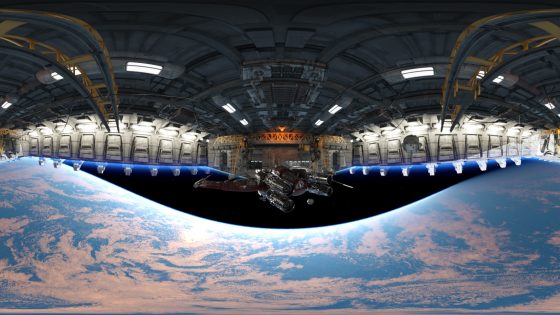
Terragen Mac now also supports generation of cubic and cylindrical QTVR panoramas. There are plans for some exciting additions to the QTVR generation in the not too distant future.

In the future there are plans to add support for turning your animations into QT movies from within Terragen Mac.

OpenGL 3D Preview
Terragen Mac has a 3D Preview that uses OpenGL. This completely changes the way you use Terragen. You can move around the terrain in real time, which allows you to gain a much better appreciation of what the terrain actually looks like than you can from the top down 2D preview. The 3D Preview will also match the aspect ratio of the final image, so you can get a slightly better idea of the composition than you can from the preview render, which has a fixed aspect ratio.

The 3D Preview will take advantage of hardware acceleration if you have a 3D card, but you certainly don't need one to use it. In the basic mode, which is smooth shaded without textures, acceptable performance is possible on a PPC 604/166 without a 3D card.

Currently navigation in the 3D Preview is through the keyboard and mouse, but in the future support for other input devices, such as gamepads and joysticks, is planned.

Velocity Engine accelerations
Terragen Mac has Velocity Engine accelerations which speed up certain operations on G4 / G5 based machines. Currently there are just a few optimisations, but it is hoped to expand on this over time.

Multithreading
During rendering, the renderer runs in a separate thread to the application. This greatly increases the responsiveness of Terragen Mac while rendering, allowing you to work more easily with other applications at the same time Terragen Mac is rendering. Note that the renderer itself is not multithreaded, so there is currently no speed advantage on MP machines, but rather the application and renderer are able to work in parallel which greatly improves user interaction during rendering.

Fully customisable default settings
Terragen Mac lets you choose a world file to take the default settings from when it starts up. This means that you can customise all the default settings in a scene. For example, you might prefer to have the default image size at 1024 x 768, always have the water level at 10m or even set up a different default surface map or atmosphere.

AppleScript support
Terragen Mac has good basic support for AppleScript. You can use it for batch rendering and even to make animations. The AppleScript support builds on Terragen's native animation scripting to allow you control over parameters that the native scripting system doesn't yet support, such as water settings, cloud settings and atmosphere settings. The AppleScript support will continue to be extended until it is comprehensive.

Improved scripting interface
Terragen Mac offers a much more user friendly scripting interface. It allows you to do things like choosing the output folder for rendered frames, specifying the base name for frames and resuming the animation from a particular frame without having to alter the script file itself.

Animation script preview
You can preview Terragen's native animation scripts using the 3D Preview.

Snapshot system
The Snapshot system allows you to record your position when you find a shot you particularly like. This position and other relevant settings then get written out to a Terragen native script file, which you can run at any time and have all shots rendered out at once. You can leave Terragen to render overnight and come back in the morning to find all of your shots waiting for you.

File previews
Terragen Mac can optionally save certain files, such as terrain and atmosphere files, with previews of their contents. These previews will show in the Open and Save dialogs as well as in Finder windows using the columns mode on OS X. This lets you see what's in the file before you open it.

Greater support for importing terrains from images
Terragen Mac's built in terrain importer allows you to import images to use as terrains from any format QuickTime supports.

Dynamic loading of plugins
Terragen Mac allows you to reload plugins with just the click of a button, rather than having to restart Terragen. This means you can add new plugins to Terragen without needing to quit and start it up again. This is particularly useful for plugin developers, as it makes it much easier to test changes.

Preferences dialog
Terragen Mac has an extensive set of preferences which allow you to customise it to better suit the way you work.


terragen start page - planetside front page - privacy policy - email terragen@planetside.co.uk

Terragen, this site and its contents (except where noted) are all copyright © 1998-2006 Planetside Software, contact@planetside.co.uk
Terragen is a trademark of Planetside Software. All other trademarks are the property of their respective owners
Planetside Software is based in the United Kingdom